

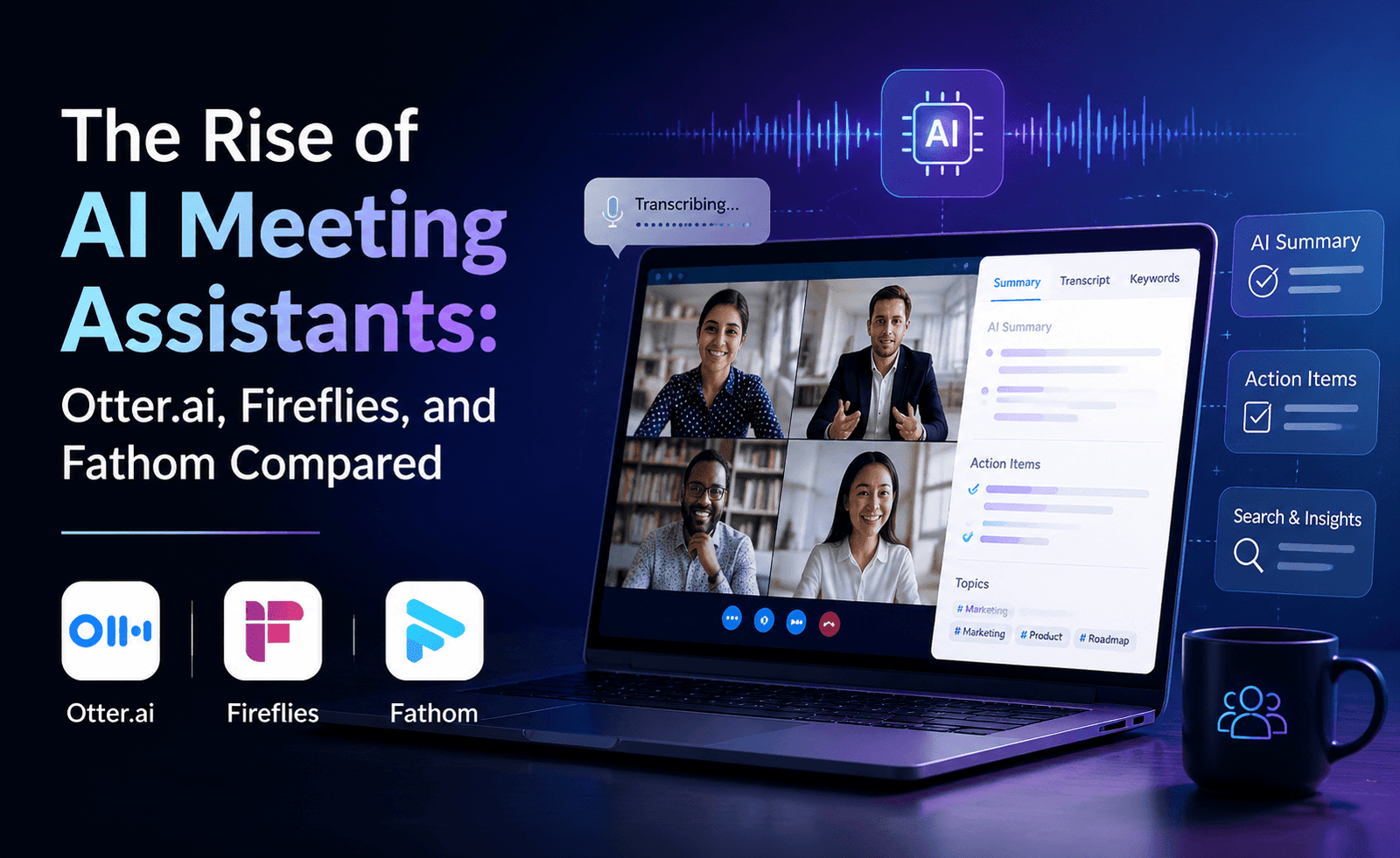
Nobody enjoys taking meeting notes, and increasingly, nobody has to. AI meeting assistants now join video calls automatically, transcribe every word, and produce a summary before the meeting is even fully over. We tested Otter.ai, Fireflies, and Fathom across two dozen internal and client meetings to see how they compare on transcription accuracy, summary quality, and how well they fit into an actual team’s workflow rather than a demo environment.
Why AI Meeting Assistants Matter Now
The shift to hybrid and remote work made meetings more frequent and, often, less documented — people multitask on calls, and notes get taken inconsistently or not at all. AI meeting assistants address this directly: they join as a bot participant (or record via integration), generate a transcript, extract action items, and often produce a searchable archive across every meeting a team has ever had. For teams running a high volume of client calls, sales demos, or cross-functional syncs, this has quietly become one of the highest-leverage productivity investments available.
Transcription Accuracy
All three tools use modern speech-to-text models and performed well on clear, single-speaker audio. The differences showed up in harder conditions: overlapping speakers, accents, and technical jargon. Fathom handled overlapping speech slightly better in our tests, likely due to more aggressive speaker-diarization logic. Otter.ai struggled more with dense technical vocabulary unless custom vocabulary was pre-loaded, a feature it does support but requires setup. Fireflies sat in the middle, with solid general accuracy but occasional attribution errors in fast-paced group discussions.
Summary and Action Item Quality
This is arguably the more important comparison, since most people don’t read full transcripts — they read the summary. Fireflies produces the most structured summaries by default, breaking meetings into topics with bullet points under each, which suits longer strategic meetings well. Fathom leans toward a more concise, punchy summary format geared toward quick scanning, which works better for shorter standups and check-ins. Otter.ai’s summaries are solid but occasionally miss softer, implied commitments in favor of only capturing explicitly stated action items.
Integration and Workflow Fit
Fireflies has the broadest set of native integrations, pushing notes and action items directly into CRMs, project management tools, and Slack channels automatically. This makes it a strong choice for sales and customer success teams that need meeting intelligence to land directly in their existing systems without manual copying. Fathom integrates tightly with Zoom and Google Meet and is particularly popular among sales teams for its clip-sharing feature, letting you cut and share a 30-second moment from a call instead of forwarding an entire recording. Otter.ai integrates well with Zoom, Google Meet, and Microsoft Teams and offers a collaborative workspace feel closer to a shared document than a call log.
Comparison Table
| Feature | Otter.ai | Fireflies | Fathom |
|---|---|---|---|
| Real-time transcription | Yes | Yes | Yes |
| Speaker diarization accuracy | Good | Good | Very good |
| Structured topic summaries | Good | Excellent | Good, concise style |
| CRM/PM tool integrations | Moderate | Extensive | Moderate |
| Clip-sharing feature | No | Limited | Yes, strong |
| Free tier usability | Generous | Moderate | Generous |
| Custom vocabulary support | Yes | Yes | Limited |
Pricing Overview
Otter.ai offers one of the more generous free tiers in this category, including a monthly transcription minute allowance sufficient for light users, with paid tiers unlocking longer meetings and team features. Fireflies’ free tier is more limited but its paid plans scale well for sales and customer-facing teams that need the integration depth. Fathom notably offers a free tier with unlimited recording and transcription for individual use, monetizing primarily through team collaboration and CRM-sync features at the paid tier — an unusual and consumer-friendly structure in this space.
Privacy and Meeting Etiquette Considerations
A recurring friction point across all three tools: having a visible bot join a call can change how participants speak, and in some jurisdictions, recording consent rules apply regardless of which tool you use. All three tools support consent notifications and can be configured to announce their presence, but teams should establish their own internal norms — and check applicable consent laws — before rolling out any meeting assistant broadly, particularly for calls involving external clients or candidates.
Pros and Cons Summary
Otter.ai
- Pros: Generous free tier, strong collaborative note experience, good custom vocabulary support
- Cons: Weaker with dense jargon absent setup, fewer CRM integrations
Fireflies
- Pros: Best-in-class integrations, highly structured summaries, strong for sales teams
- Cons: More limited free tier, occasional speaker attribution errors
Fathom
- Pros: Free unlimited individual use, strong diarization, excellent clip-sharing
- Cons: Weaker custom vocabulary support, fewer integrations outside Zoom/Meet
Case Study: A Client Services Team Running 15 Calls a Week
To see how each tool held up under real volume rather than a handful of test calls, we followed a small client services team running roughly fifteen external calls a week across onboarding, quarterly reviews, and support escalations. With Fireflies, notes and action items flowed automatically into the team’s CRM, meaning account managers no longer had to manually log call summaries — a task that had previously consumed close to three hours a week across the team. This integration depth was the single most valued feature by the end of the trial.
With Fathom, the team leaned heavily on the clip-sharing feature to send short highlights to internal stakeholders who hadn’t attended a call, replacing what used to be lengthy recap emails. Adoption was fast because the interface required almost no training. With Otter.ai, the team appreciated the collaborative note view for internal syncs but found themselves manually copying action items into their CRM more often than with Fireflies, since the integration was comparatively shallow for this particular workflow.
Handling Sensitive or Confidential Meetings
Not every meeting should be recorded and transcribed by a third-party AI tool. Performance reviews, legal discussions, and conversations involving confidential deal terms are common exceptions teams carve out. All three tools allow the bot to be excluded from specific calendar events or manually removed mid-call, and most teams we spoke with during testing settled on a simple internal rule: any meeting bot is opt-in by default for external and cross-functional calls, and explicitly disabled for a defined list of sensitive meeting types. Establishing this rule before rollout avoids awkward mid-meeting conversations about whether the transcript should be deleted after the fact.
Searchability Across a Growing Meeting Archive
One underappreciated benefit that emerged only after several weeks of use: all three tools build a searchable archive of past meetings, which becomes more valuable the longer it’s in use. Being able to search “when did we agree to the revised pricing” across months of calls and get pointed to the specific meeting and timestamp saved real time during a contract dispute in our testing — a benefit that’s easy to overlook in a short trial but compounds significantly over a year of consistent use.
Our Verdict
There isn’t a single winner — the right choice depends on what a team already values. Sales and customer-facing teams that live inside a CRM should lean toward Fireflies for its integration depth. Teams that want a strong free option with excellent clip-sharing for external communication should consider Fathom. Teams prioritizing a collaborative, document-like note experience across internal meetings will likely prefer Otter.ai. All three are mature enough in 2026 that the real differentiator is workflow fit, not raw transcription quality.
One final consideration that often gets overlooked during evaluation: the archive each tool builds becomes a switching cost over time. A year of transcripts, summaries, and tagged action items represents real institutional memory, and moving to a different provider later means either losing that history or exporting it manually. It’s worth choosing with a longer time horizon in mind rather than optimizing purely for this quarter’s feature comparison, since the tool you pick today is likely to become the de facto home for your team’s meeting history for years, not months.
Cost of Not Using a Meeting Assistant
It’s worth framing this comparison against the actual alternative most teams are coming from: a single person manually typing notes while trying to also participate in the conversation, or worse, no notes at all beyond whatever fragments someone remembers afterward. Measured against that baseline, all three tools represent a substantial improvement regardless of which one you choose — the differences we’ve outlined here matter most once a team has already committed to the category and is choosing between mature options, not when deciding whether to adopt one at all.
Frequently Asked Questions
Do these tools work for languages other than English?
All three support multiple languages, though accuracy for non-English audio varies and English remains the strongest-performing language across each tool.
Can participants opt out of being recorded?
Yes — all three provide settings to notify participants and, in most cases, allow the bot to be removed from a specific call.
Is it worth paying for a meeting assistant if we only have a few meetings a week?
For light usage, the free tiers of Otter.ai or Fathom are typically sufficient; paid plans become worthwhile once a team is running frequent, high-stakes, or highly technical meetings, at which point the time saved on manual note-taking and follow-up typically outweighs the subscription cost within the first month or two of consistent use.