

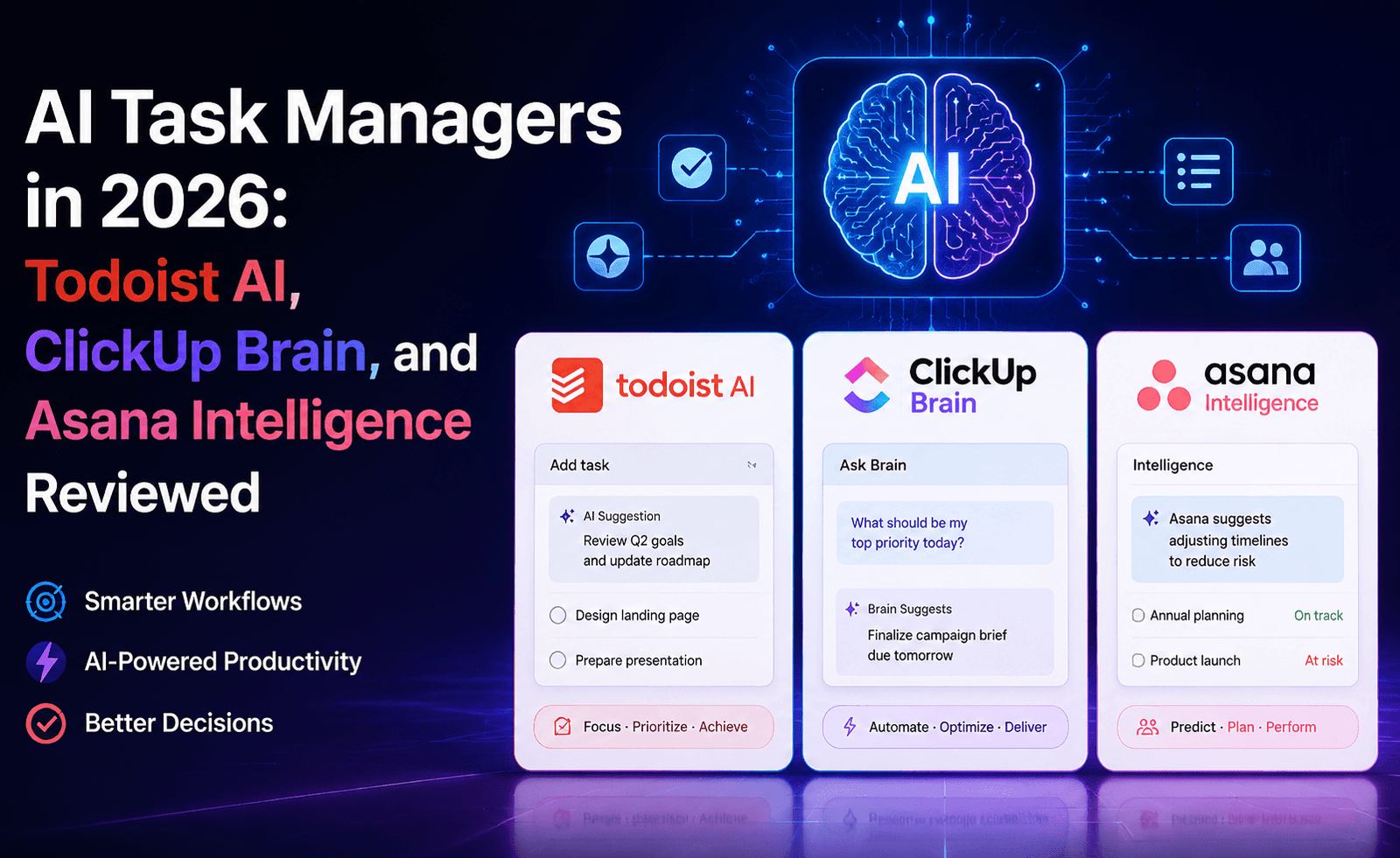
Task management software has quietly become the most crowded battleground for AI features, with nearly every major player adding some version of “AI Assistant” over the past two years. Todoist AI, ClickUp Brain, and Asana Intelligence take three noticeably different approaches to the same problem: making your task list smarter without making it more complicated. We tested all three across a shared team project to see which additions are genuinely useful and which are AI for AI’s sake.
Three Different Starting Points
Todoist has always been the minimalist’s task manager — fast entry, natural language due dates, and a clean personal-productivity focus. Todoist AI keeps that philosophy, adding lightweight AI features rather than transforming the product into a full project management suite. ClickUp, by contrast, has always positioned itself as an all-in-one workspace, and ClickUp Brain reflects that ambition — an AI layer that spans tasks, docs, and chat simultaneously. Asana sits in between: a mature, structured project management tool for teams, with Asana Intelligence adding AI on top of established workflows like goals, portfolios, and status reporting.
Feature-by-Feature Breakdown
Task Creation and Breakdown
Todoist AI can take a vague task description and suggest subtasks and due dates using natural language processing — useful for quickly turning “plan the Q4 offsite” into a structured checklist. ClickUp Brain goes further, generating entire task lists with assignees and estimated durations based on a project brief, though the quality varies with how much context you give it. Asana Intelligence focuses less on generating new tasks from scratch and more on smart task field suggestions — priority, due date, and project assignment — within an already-structured workflow.
Status Reporting and Summarization
This is where Asana Intelligence stands out clearly. Its AI-generated status reports pull from actual project data — task completion rates, overdue items, blocked work — to produce a readable summary for stakeholders, saving what used to be a manual weekly reporting chore for project managers. ClickUp Brain offers similar summarization at the Doc and Space level but leans more toward summarizing written content than structured project health. Todoist AI, staying true to its lightweight positioning, doesn’t attempt team-level reporting at all — it remains focused on individual task management.
Natural Language Search and Q&A
ClickUp Brain’s standout feature is its workspace-wide Q&A, letting you ask questions like “what’s blocking the launch” and get an answer synthesized from tasks, comments, and docs across the whole workspace. Asana Intelligence offers a comparable “smart answers” feature scoped to projects and portfolios. Todoist, given its simpler data model, doesn’t offer this kind of broad semantic search — there’s simply less unstructured content to search across in a pure task list.
Writing Assistance
All three offer some flavor of AI-assisted writing for task descriptions, comments, or docs. Quality is broadly comparable across all three and, as with most embedded AI writing tools, best used for first drafts rather than final copy.
Comparison Table
| Feature | Todoist AI | ClickUp Brain | Asana Intelligence |
|---|---|---|---|
| Best suited for | Individuals, small teams | Teams wanting an all-in-one workspace | Structured, larger teams and PMOs |
| Auto-generate subtasks from a brief | Basic | Strong | Limited |
| Workspace-wide AI Q&A | No | Yes | Yes, project-scoped |
| Automated status reports | No | Basic | Strong |
| Learning curve | Low | Moderate to high | Moderate |
| Free tier AI access | Limited | Limited | Limited |
Pricing Considerations
All three follow a similar pattern: base task management functionality is available on free or low-cost tiers, while AI features are gated behind either a paid add-on or higher-tier plan, often with usage limits (a monthly cap on AI actions or “credits”) even at paid levels. Todoist’s AI add-on is the most affordable of the three, consistent with its lightweight positioning. ClickUp and Asana’s AI features are typically bundled into their mid-to-upper business tiers, which makes sense given they’re targeting team-wide, not individual, use cases.
Pros and Cons
Todoist AI
- Pros: Simple, affordable, low learning curve, fast task entry
- Cons: No team-level reporting or workspace search, limited scope by design
ClickUp Brain
- Pros: Broadest feature set, strong workspace-wide Q&A, good for consolidating tools
- Cons: Steeper learning curve, can feel overwhelming for smaller teams
Asana Intelligence
- Pros: Excellent automated status reporting, fits well into structured PM workflows
- Cons: Less useful for freeform task generation, requires existing structure to shine
Which Tool Fits Your Team?
Solo users and very small teams who want AI help without complexity should lean toward Todoist AI — it does less, but does it without friction. Teams that want to consolidate docs, chat, and tasks into a single AI-searchable workspace should look at ClickUp Brain, accepting a steeper setup and learning curve in exchange for breadth. Larger, more structured teams — particularly those with dedicated project managers who spend real time producing stakeholder updates — will get the most immediate, measurable value from Asana Intelligence’s automated reporting.
It’s also reasonable to expect some overlap in practice — a designer might use Todoist for their own personal task list while the wider team coordinates in ClickUp or Asana, and that’s a perfectly workable arrangement as long as the team’s shared source of truth for deadlines and deliverables stays in one place. The mistake to avoid is letting AI features drive the choice of tool in isolation from how your team already prefers to plan and communicate; the best AI task manager is still, first and foremost, a task manager your team will actually use consistently.
Case Study: Running One Project Through All Three Tools
To make the comparison concrete rather than purely feature-based, we ran the same project — planning and executing a product launch with eight workstreams and eleven contributors — through all three tools in parallel over three weeks, with a different subset of the team using each one. In Todoist, individual contributors reported feeling less friction day-to-day since the AI simply helped them break down their own assigned work faster, but the project lead found it hard to get an aggregate view of overall launch health, since Todoist isn’t designed to answer that kind of cross-task question.
In ClickUp, the project lead was able to ask the workspace-wide Q&A feature things like “what’s still blocked for the launch” and get a synthesized answer pulling from tasks, comments, and linked docs — genuinely useful, though it took the team roughly a week to get comfortable with ClickUp’s broader interface and terminology (Spaces, Folders, Lists) compared to the simpler mental model of the other two tools. In Asana, the automated weekly status report was the standout: what used to be a 45-minute manual exercise for the project lead became a five-minute review-and-edit pass over an AI-drafted summary, freeing up meaningful time during a busy launch week.
What “AI Credits” Mean in Practice
A detail that’s easy to miss during a quick trial but matters for budgeting: most of these platforms meter AI usage separately from the base subscription, using some form of monthly credit or action allowance. Heavy users of workspace-wide Q&A or automated report generation can exhaust these limits faster than expected, particularly on team plans shared across many members. Before rolling out AI features to an entire team, it’s worth running a short pilot with your heaviest expected users to estimate realistic monthly usage, rather than assuming the advertised limit will comfortably cover team-wide adoption from day one.
Migrating Between These Tools
All three offer import tools for moving from one another or from spreadsheets, though task metadata (custom fields, dependencies, and comment history) rarely transfers perfectly. Teams considering a switch should budget time for manually rebuilding key views and automations rather than expecting a one-click migration to preserve everything exactly as it was in the previous tool.
Our Verdict
There’s no single best AI task manager in 2026 — the category has matured into clear specialization rather than converging on one winning formula. The right choice comes down to matching the tool’s AI strengths to your team’s actual bottleneck: task creation friction, workspace search, or reporting overhead. Trial each tool’s AI features against the specific task that currently eats the most time in your week before committing to a paid tier.
A Note on Evaluating Any New AI Feature in This Category
Task management vendors ship AI updates frequently, and feature sets described here will keep evolving. A useful evaluation habit, regardless of which tool you’re considering: pick the single task-related annoyance that costs your team the most time each week — whether that’s writing status updates, breaking down vague briefs, or finding buried context — and test each candidate tool specifically against that one problem before looking at the rest of the feature list. Broad feature comparisons are useful for orientation, but the tool that wins for your team will be the one that solves your actual, specific bottleneck, not the one with the longest list of AI capabilities.
Frequently Asked Questions
Do I need to restructure my existing projects to benefit from these AI features?
Generally no, though Asana Intelligence’s reporting features perform noticeably better in workspaces that already use consistent project and task structures.
Are AI features usage-limited even on paid plans?
In most cases yes — check current plan details directly with each provider, as AI usage caps and pricing structures are updated more frequently than core product pricing.
Can these tools be used together, for example ClickUp for team projects and Todoist for personal tasks?
Yes, this is a common setup, though it does mean maintaining two separate systems rather than one unified view of all your work.