

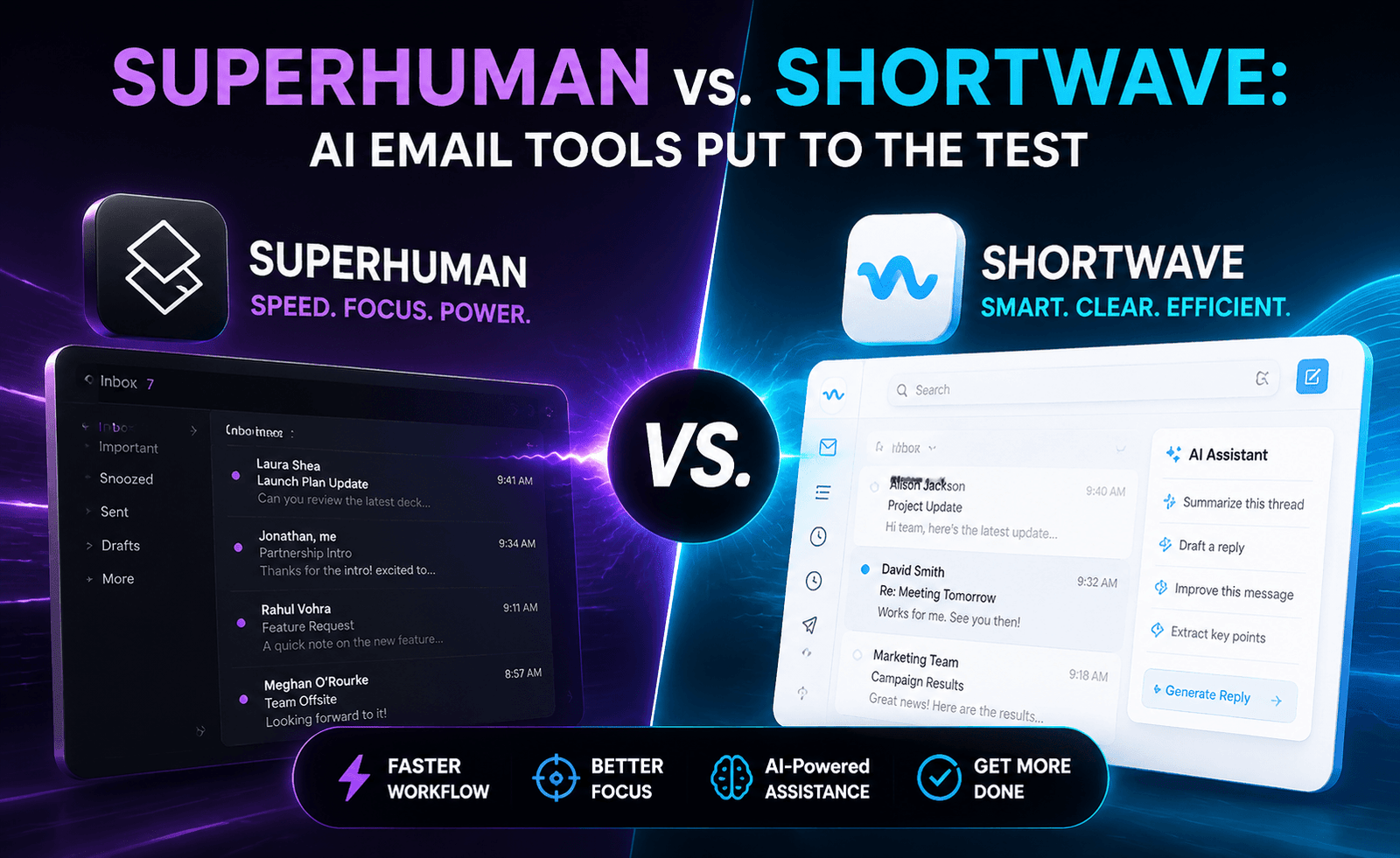
Email hasn’t gotten any less overwhelming, but the tools built to manage it have gotten dramatically smarter. Superhuman and Shortwave both promise to turn your inbox from a source of anxiety into something closer to a well-run to-do list, using AI to triage, summarize, and draft on your behalf. We used both as our primary email client for three weeks each to see which one actually changes how fast — and how calmly — you can get through your inbox.
The Starting Philosophy
Superhuman built its reputation before AI was central to its pitch — its original differentiator was raw speed, keyboard-shortcut-driven navigation, and a obsessively polished interface. AI features (auto-summarize, AI-written replies, triage suggestions) were layered on top of that speed-first foundation. Shortwave, built by former Google engineers, was AI-native from the start, designed around the idea that an AI assistant should actively manage your inbox — bundling related threads, auto-categorizing, and answering questions about your email history conversationally.
Speed and Interface
Superhuman’s keyboard-shortcut system remains best-in-class. Once learned, it is genuinely faster than any other email client we’ve tested for triaging high volumes of mail — archiving, snoozing, and replying without touching a mouse. Shortwave has adopted similar shortcut support but the overall interface leans more toward a chat-and-list hybrid, which is intuitive but marginally slower for pure keyboard-driven power users.
AI Triage and Bundling
Shortwave’s standout feature is automatic bundling — grouping newsletters, notifications, and low-priority threads into collapsed sections so your primary view only shows what needs attention. This is conceptually similar to Gmail’s tabs but noticeably smarter about what counts as “needs attention” versus “can wait.” Superhuman offers AI-powered triage suggestions and a “Split Inbox” feature for similar filtering, but it requires more manual rule configuration to get to the same level of automatic cleanliness that Shortwave provides out of the box.
AI Writing and Summarization
Both tools can draft replies and summarize long threads. Superhuman’s AI writing tends to produce shorter, more direct drafts, which fits its speed-oriented personality. Shortwave’s AI assistant is more conversational — you can literally ask it “find the email where the client mentioned their budget” or “summarize this thread’s decision” and get a synthesized answer, similar to a chat-based research assistant sitting inside your inbox. In our testing, Shortwave’s ask-based retrieval was the single most impressive feature across both tools; it saved real time on digging through long client threads.
Scheduling and Follow-Ups
Both offer send-later, follow-up reminders, and read-status tracking. Superhuman’s follow-up reminder system is tightly integrated with its snooze functionality and feels more mature, having been refined over several years. Shortwave’s version is functional but slightly less configurable in terms of custom reminder conditions.
Comparison Table
| Feature | Superhuman | Shortwave |
|---|---|---|
| Keyboard-shortcut navigation | Best-in-class | Strong, slightly less refined |
| Automatic inbox bundling | Manual configuration needed | Automatic, strong out of the box |
| Conversational inbox search (AI Q&A) | Limited | Excellent |
| AI-drafted replies | Yes, concise style | Yes, more conversational style |
| Follow-up reminders | Mature, highly configurable | Functional, fewer options |
| Platform support | Gmail, Outlook | Gmail-focused |
Pricing
Superhuman is priced as a premium product with a single, relatively high monthly rate, reflecting its speed-and-polish positioning. Shortwave offers a free tier with core AI features and paid tiers that unlock higher AI usage limits and team features, making it more accessible for individuals who want to try AI-driven email management without committing to a premium subscription immediately.
Pros and Cons
Superhuman
- Pros: Unmatched keyboard-driven speed, polished interface, mature follow-up system, supports Outlook
- Cons: Premium pricing with no meaningful free tier, AI features feel secondary to the speed-first design
Shortwave
- Pros: Excellent conversational AI search, strong automatic bundling, accessible free tier
- Cons: Gmail-focused, slightly slower for pure keyboard power users, fewer configuration options for reminders
Which One Should You Choose?
If your primary email pain point is volume and speed — you’re processing hundreds of emails a day and need to move through them as fast as physically possible — Superhuman’s shortcut-driven design remains the stronger choice, especially if you’re on Outlook, where Shortwave isn’t an option. If your pain point is more about finding information buried in old threads and reducing mental overhead from inbox clutter, Shortwave’s conversational search and automatic bundling solve that more directly, and its free tier makes it lower-risk to try.
It’s also worth revisiting this decision periodically rather than treating it as permanent. Both companies ship new AI capabilities on a regular basis, and a gap that exists today — Superhuman’s lighter conversational search, or Shortwave’s lack of Outlook support — may close within a year. Reassessing your email client every few months, the way you might reassess any other core piece of software, is a reasonable habit given how quickly this particular category is moving. What matters most in the meantime is picking the tool that fits your platform constraints and current biggest frustration today, rather than waiting for a hypothetical future version that solves everything at once.
A Week in Each Inbox: What Actually Changed
To go beyond feature lists, we tracked time spent in each inbox across a comparable week of email volume — roughly 120 emails received per day, split between internal, client, and newsletter traffic. In Superhuman, average time to inbox zero dropped noticeably once the keyboard shortcuts became muscle memory, typically by day four or five of consistent use. Before that adjustment period, the learning curve actually slowed us down relative to a familiar tool like Gmail’s native web client.
In Shortwave, the drop in time-to-zero was more immediate, largely because automatic bundling did the triage work without requiring us to learn anything new — newsletters and notifications were simply out of the primary view from day one. Where Shortwave lost time back was in searching for specific older information manually rather than using its AI Q&A feature; once we started relying on conversational search instead of scrolling, the time savings became more pronounced and consistent day to day.
Migrating Without Losing Email History
Both tools connect via standard account authentication rather than requiring a full account migration, meaning your existing email history remains intact and searchable from day one — you’re changing the client, not the underlying mailbox. That said, initial indexing of a large, multi-year inbox can take some time, particularly for Shortwave’s AI features to build a complete semantic index. Teams considering a switch should plan for a short indexing period before judging the tool’s search performance, rather than evaluating it immediately after connecting a large historical account.
Team-Wide Rollout Considerations
For organizations considering a company-wide switch rather than individual adoption, Superhuman’s Outlook support is often the deciding factor, since many enterprises standardize on Microsoft 365. Shortwave’s Gmail-only focus makes it a non-starter for Outlook-based organizations regardless of how strong its AI features are. Teams already on Google Workspace have a genuine choice between the two and should weigh whether their organization’s bigger friction point is processing speed (favoring Superhuman) or information retrieval across a shared or individual mailbox (favoring Shortwave).
Our Verdict
Superhuman remains the better tool for raw email processing speed; Shortwave is the better tool for treating your inbox as a searchable knowledge base with an AI assistant on top. Neither is strictly superior — they represent two different bets on what “AI email” should mean, and the right pick depends on whether your daily frustration is volume or retrieval.
A Note on Habit Change
Whichever tool you pick, the biggest variable in whether it actually improves your email experience isn’t the software itself — it’s whether you let go of old habits while using it. Users who kept checking email the old way in a browser tab “just in case” alongside their new AI client saw far smaller time savings than those who committed fully to the new workflow, shortcuts and all, for at least the first two weeks. Both Superhuman and Shortwave are capable of meaningfully reducing time spent on email, but that benefit is easy to sabotage by not giving the switch a fair, focused trial period.
Frequently Asked Questions
Can I use either tool with a work email that has strict IT policies?
Both support standard OAuth connections to Gmail and, for Superhuman, Outlook — but some enterprise IT policies restrict third-party email clients, so check with your admin before switching your primary work account.
Do either of these tools train AI models on my email content?
Both publish privacy policies addressing this; policies and data-handling practices change over time, so review the current policy directly on each provider’s site before connecting a sensitive inbox.
Is switching email clients disruptive to a team?
Individual adoption is low-risk since both work alongside your existing email address, but team-wide rollouts benefit from a short pilot period with a handful of representative users — including at least one heavy meeting-and-email user and one lighter user — before switching everyone at once, so that any workflow gaps surface on a small scale rather than during a company-wide cutover, and so leadership can gather honest feedback before asking the rest of the organization to change a tool as central to daily work as email.