

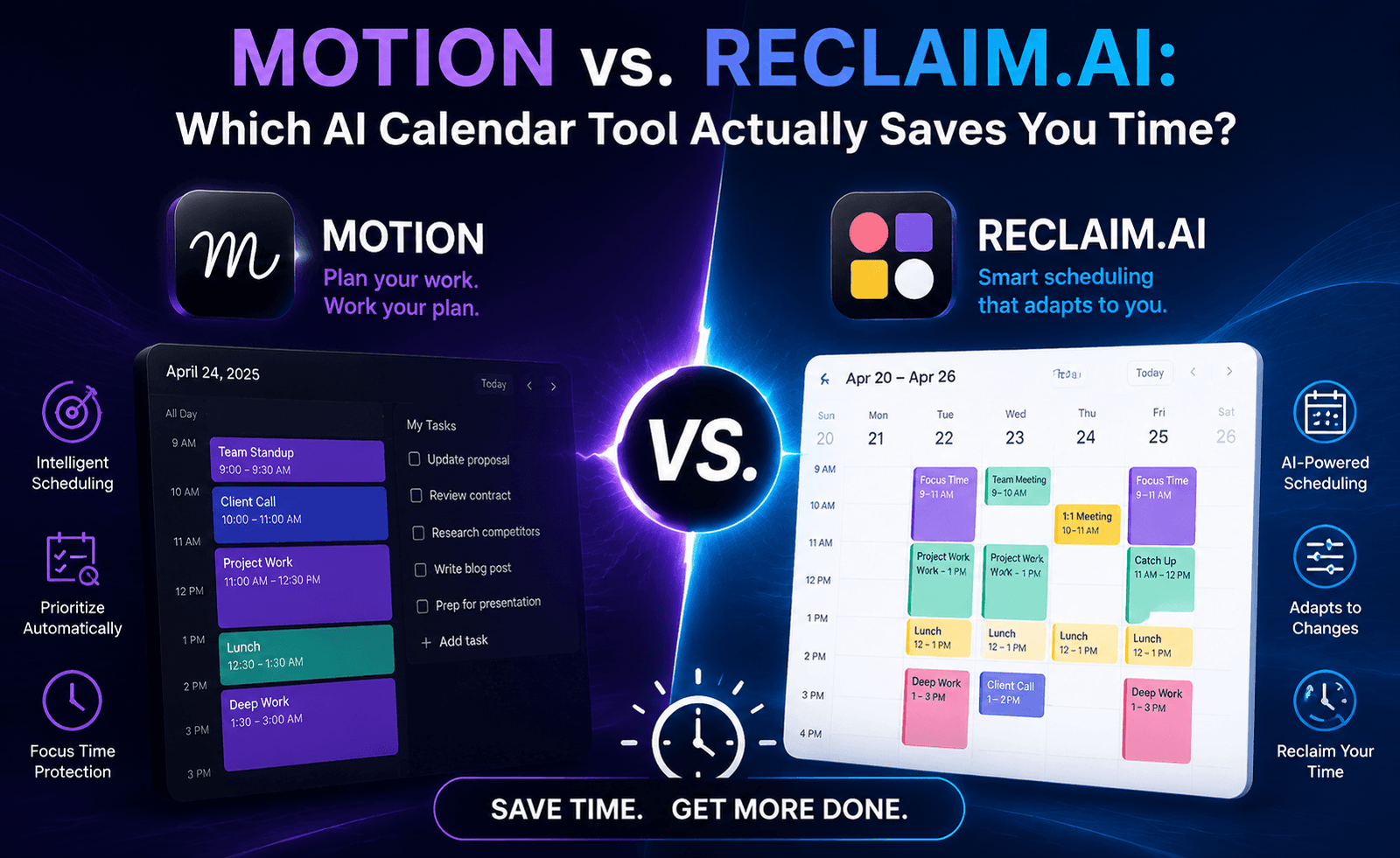
The promise behind AI calendar tools is simple: stop manually shuffling your to-do list around your meetings and let an algorithm find the time for you. Motion and Reclaim.ai are the two names that come up most often in this category, and both have loyal followings. We ran both tools against the same calendar — a mix of recurring meetings, deep-work blocks, and a shifting task list — for four weeks to see which one actually delivers on the promise.
The Core Idea Behind Both Tools
Both Motion and Reclaim.ai plug into your existing calendar (primarily Google Calendar, with Outlook support varying by tool) and treat your tasks as schedulable objects rather than a static list. Instead of you deciding when to work on something, the tool looks at your existing commitments, your task’s priority and duration, and any deadlines, then automatically finds and books time for it. When a new meeting gets added, both tools will reshuffle affected tasks rather than leaving you to notice the conflict yourself.
Where they diverge is in philosophy. Motion positions itself as a full project and task management replacement with scheduling built in — it wants to be your single source of truth for work. Reclaim.ai positions itself as a scheduling layer that sits on top of tools you already use (Asana, Todoly, Jira, Slack), automatically protecting time for tasks defined elsewhere.
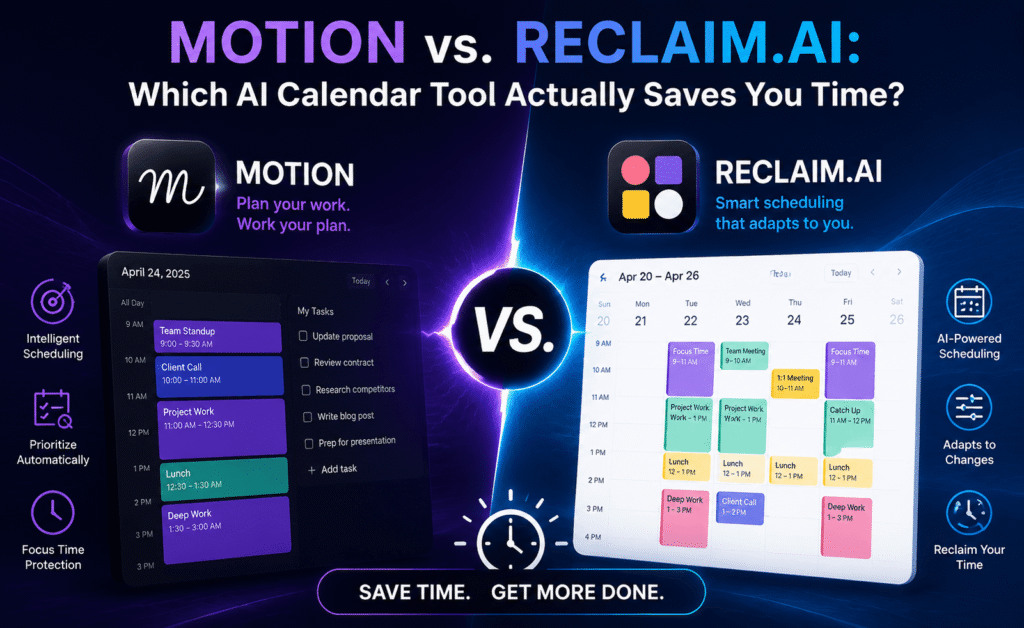
Detailed Comparison
Task and Project Management
Motion includes native project management with kanban boards, task dependencies, and workspace-level views, which means it can genuinely replace a lightweight project tool for small teams. Reclaim.ai deliberately avoids building this out, instead syncing with your existing task manager. If you already have a task system your team likes, Reclaim is the less disruptive choice. If you’re looking to consolidate tools, Motion’s all-in-one approach has real appeal.
Habit and Time-Protection Features
Reclaim.ai has a notably strong habit-scheduling feature — recurring personal commitments like exercise, reading, or focus time that flex around your calendar rather than sitting at a fixed slot. If a meeting conflicts with your protected gym time, Reclaim automatically finds another slot that week rather than simply canceling the block. Motion has a comparable “auto-block” feature but it’s less configurable around habit frequency and flexibility windows.
Meeting Scheduling with Others
Both tools offer scheduling links similar to Calendly, allowing external parties to book time based on your real availability. Motion’s booking pages are more visually customizable out of the box. Reclaim’s scheduling links integrate more tightly with its “Smart 1:1s” feature, which automatically finds recurring meeting slots that work for both parties’ evolving calendars — a genuinely useful feature for managers juggling many direct reports.
AI Prioritization Logic
Both tools let you assign priority levels to tasks, but Motion’s algorithm is more aggressive about rescheduling lower-priority work to protect deadlines, sometimes to a fault — we noticed tasks getting pushed repeatedly without a clear signal that they were falling behind. Reclaim.ai surfaces a weekly summary showing what got rescheduled and why, which we found more trustworthy for staying on top of slippage.
Side-by-Side Feature Table
| Feature | Motion | Reclaim.ai |
|---|---|---|
| Native task/project management | Yes, full-featured | Basic; relies on integrations |
| Habit scheduling | Limited | Strong, highly configurable |
| Smart recurring 1:1 scheduling | No | Yes |
| External booking pages | Yes, customizable | Yes |
| Integrates with third-party task apps | Limited | Extensive |
| Weekly rescheduling summary | No | Yes |
| Mobile app quality | Good | Good |
Pricing Snapshot
Motion is priced at a premium relative to most calendar tools, reflecting its positioning as a project management replacement rather than a simple add-on. Reclaim.ai offers a genuinely usable free tier for individuals with basic habit scheduling and task syncing, with paid tiers unlocking team features, unlimited habits, and smart 1:1s. For individuals testing the category for the first time, Reclaim’s free tier is the lower-risk starting point.
Pros and Cons
Motion
- Pros: All-in-one workspace, strong for teams wanting to consolidate tools, robust project views
- Cons: Higher price point, steeper learning curve, less transparent rescheduling logic
Reclaim.ai
- Pros: Excellent habit protection, strong integrations, usable free tier, transparent scheduling summaries
- Cons: Not a task manager replacement, fewer native project views, some advanced features gated behind higher tiers
Which Should You Choose?
If you’re a solo professional or small team without an established task management system and want one tool to handle both planning and scheduling, Motion is the stronger fit — its all-in-one nature reduces the number of apps you need to check daily. If you already rely on a task manager you like and mainly want your calendar to intelligently protect focus time, habits, and recurring meetings around that existing system, Reclaim.ai is the better and often cheaper choice.
Managers with many direct reports should weigh Reclaim’s Smart 1:1 feature seriously — it solved a real scheduling headache in our testing that Motion doesn’t currently address as elegantly.
It’s also worth considering how each tool handles change over time. Teams grow, priorities shift, and a scheduling tool that felt right at five people can feel constraining at twenty. Reclaim’s lighter-touch, integration-first design tends to scale gracefully because it doesn’t ask a growing team to abandon whatever task system they’ve already standardized on. Motion’s all-in-one approach scales differently — it works well as long as the team is willing to consolidate into its native task and project structure, which is a bigger organizational commitment than simply adding a calendar layer on top of existing tools.
A Real-World Test: One Week With Each Tool on the Same Calendar
To make the comparison concrete, we ran an identical calendar setup through each tool for a week: three recurring team meetings, a weekly 1:1, roughly fifteen tasks of varying priority, and two personal commitments treated as protected time. With Motion, the tool aggressively front-loaded high-priority tasks earlier in the week, which felt productive on Monday and Tuesday but led to a noticeably lighter Thursday and Friday — fine in theory, frustrating if urgent work arrived later in the week and needed to compete with already-scheduled lower-priority tasks.
With Reclaim.ai, the same task set was distributed more evenly across the week, and when a last-minute meeting was added on Wednesday, the tool moved a conflicting task to Thursday and sent a clear notification explaining the change. This transparency built more trust over the test period — we consistently knew why something had moved, whereas with Motion we occasionally had to open the app to reconstruct the reasoning ourselves.
Onboarding Time and Learning Curve
Reclaim.ai’s onboarding is faster if you already use an external task manager, since most of the setup is simply connecting existing accounts and defining habits. Motion’s onboarding takes longer because it asks you to build out your task and project structure inside the tool itself, which pays off over time but represents real upfront effort — expect an afternoon, not ten minutes, to get a Motion workspace properly configured for a team.
Team Adoption Considerations
For team-wide rollouts, the tool’s failure mode matters as much as its best-case behavior. Motion’s more aggressive auto-scheduling can frustrate team members who prefer to control their own day, particularly detail-oriented individual contributors used to planning their own blocks. Reclaim.ai’s lighter-touch approach — protecting time rather than dictating a full day’s schedule — tends to face less resistance during rollout, since it reschedules around existing habits rather than replacing a team’s existing planning process outright. Teams introducing either tool organization-wide should run a short pilot with a mix of personality types, not just the most tool-enthusiastic early adopters, to catch friction points before a full rollout.
Our Verdict
Neither tool is objectively “better” — they solve adjacent but different problems. Motion wins on consolidation; Reclaim.ai wins on flexibility and trust in its scheduling decisions. Teams evaluating either should run a two-week trial focused on their specific bottleneck — task sprawl versus calendar fragmentation — rather than choosing based on feature-list length alone.
Mobile Experience and Notifications
Both tools ship mobile apps that mirror the desktop rescheduling logic reasonably well, though neither fully replicates the depth of the web experience — Motion’s mobile project views are more limited than its desktop kanban boards, and Reclaim’s mobile habit editor offers fewer configuration options than its web counterpart. For day-to-day glance-and-go use, both are serviceable; for deep planning sessions, both push you back toward a desktop browser or app.
Notification behavior is worth testing before committing to either tool at scale, since default settings on both can be noisy — every reschedule, habit shift, or new booking can generate a push notification unless tuned. We recommend spending fifteen minutes in each tool’s notification settings during the trial period rather than accepting the defaults, since notification fatigue was one of the more common complaints we encountered from team members during rollout testing.
Frequently Asked Questions
Can I use Motion and Reclaim.ai together?
Technically possible but not recommended — both tools want to own your calendar’s scheduling logic, and running them simultaneously tends to create conflicting auto-scheduled blocks.
Do these tools work with Outlook?
Both support Outlook, though Google Calendar integration is more mature and fully featured for each.
Will either tool double-book me?
Rare, but not impossible — during our testing both occasionally required manual conflict resolution when external invites arrived outside their sync window.